I’ve finally decided to give a shot to the weekly Articulate Design Challenges! You can view the entire project here.
Up first was a “Meet the Team” challenge whose purpose was to teach new hires in an organization about the team.
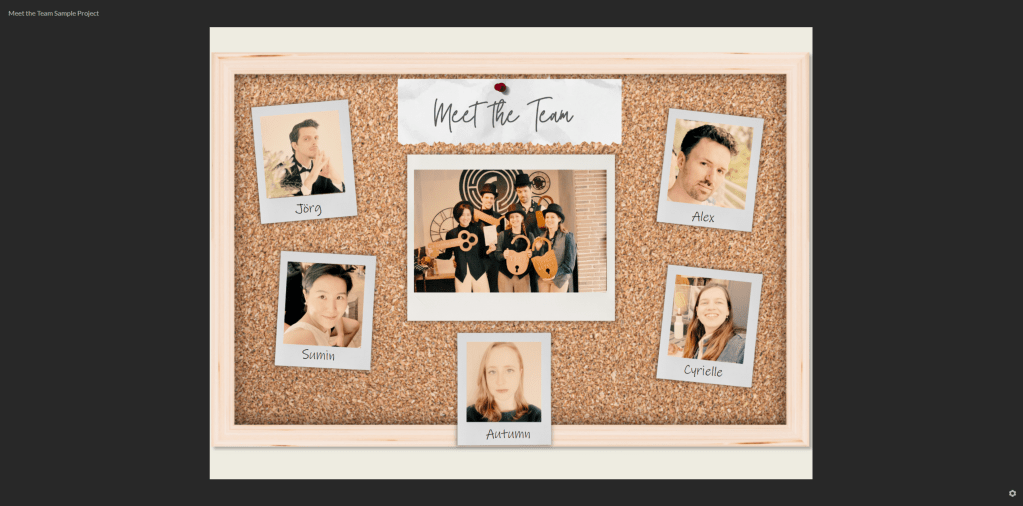
I started off with the photo you can see in the middle of the image – a picture of myself, my husband, and some friends at an escape room.
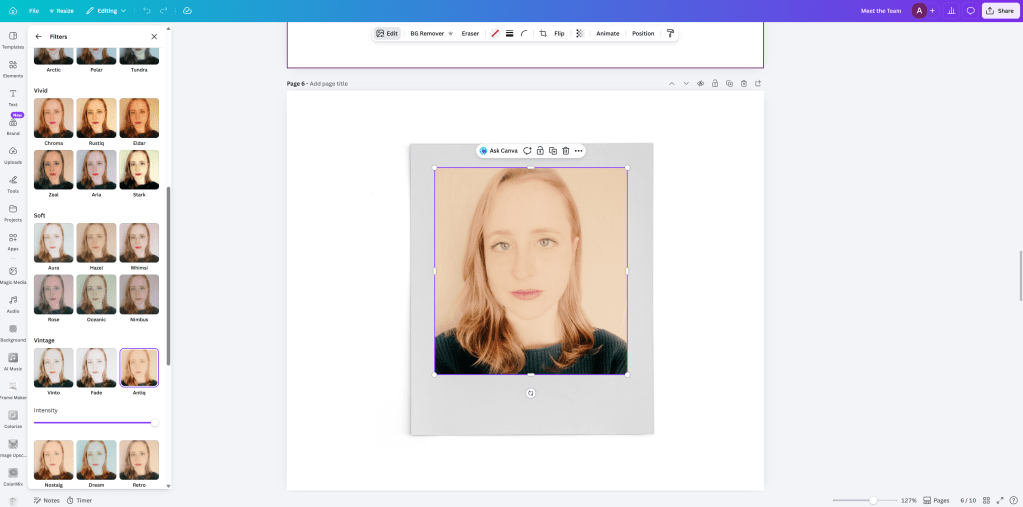
I started out in Canva by uploading both the picture of the escape room along with myself and my teammates so I could put us all in polaroid picture frames. Because all of the individual pictures of us were taken at different times and at different locations, I wanted to make them all similar by adding the same, vintage filter to each of them to match the vibes of the escape room picture.
I exported all of the images from Canva without a background into Storyline. I added shadows (which is in my opinion such a game-changer for making things look more grounded) and text.
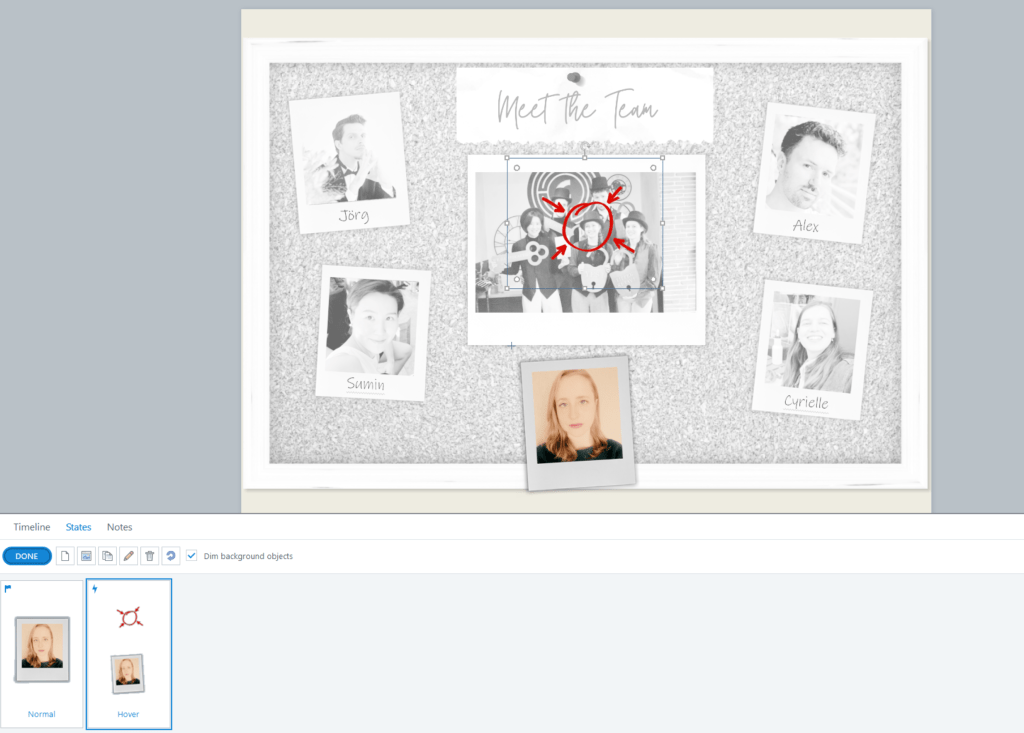
I added a hover state to all of the photos. The hover state both rotated the photo a couple of degrees, adding some movement, along with adding a circle to the team member in the photo.
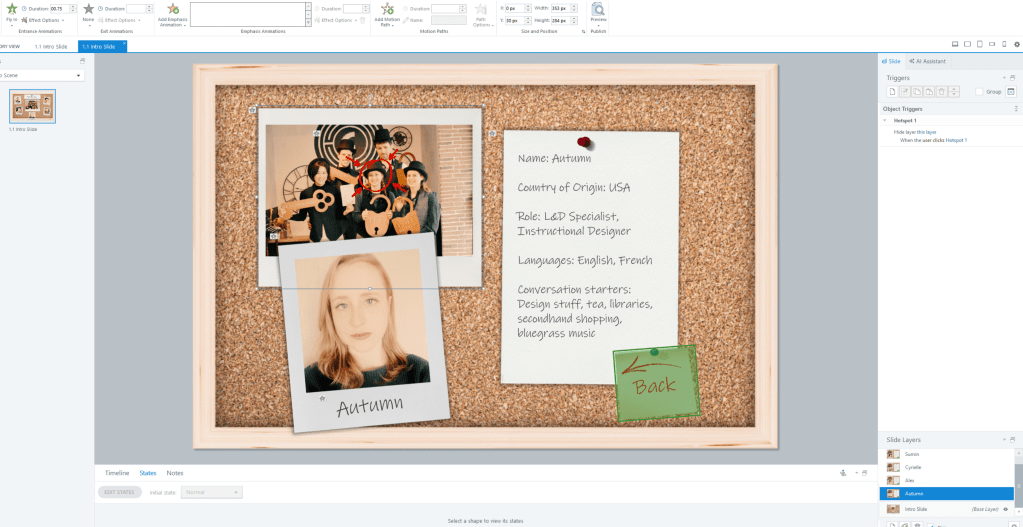
Clicking on the photograph takes you to a layer which contains some basic information about the person. I grouped the elements and added some entrance animations for visual interest. To keep with the corkboard background, I added a simple post it note to use as the back button, using the same hue of red as the circle in the group picture.
And that’s pretty much it! I largely removed the menu to make it simple, as it’s only one slide with no audio. Let me know what you think, and let me know how you would choose to design this project yourself.
 Autumn Wright